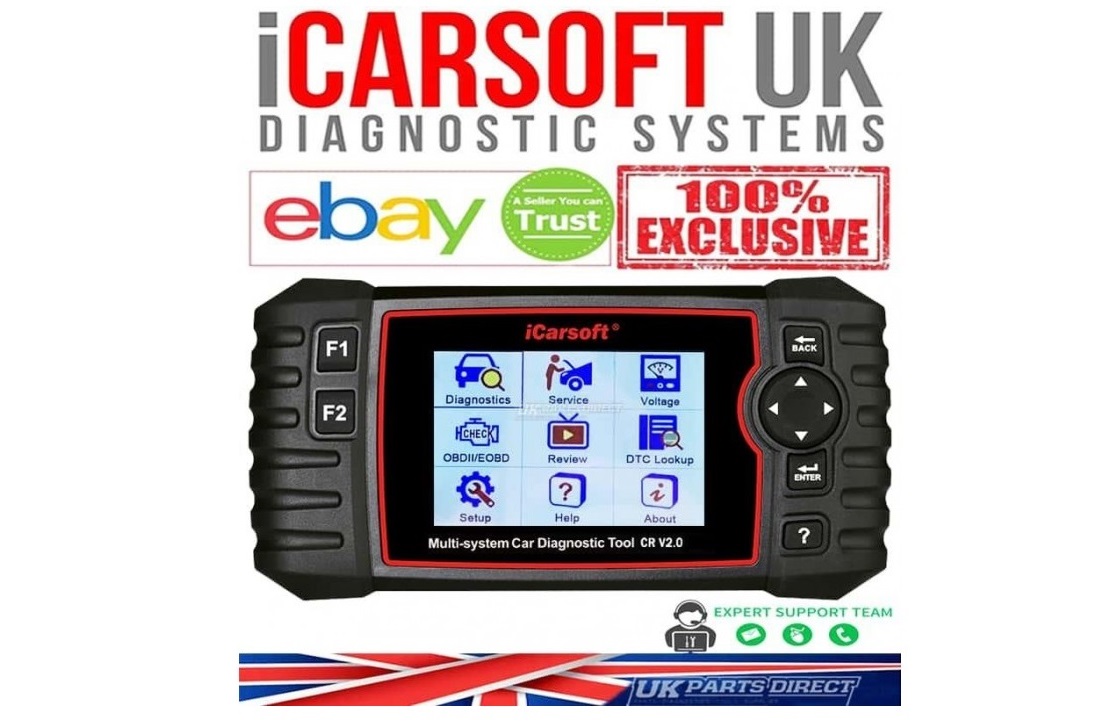
icarsoft crv2.0
-
Posted: September 02, 2022Views: 3928
 Read more »
BUY SMART - BUY GENUINE - BUY iCARSOFT UK
*DISCLAIMER: These instructions are purely for iCarsoft UK / UK Parts Direct supplied Genuine Tools Only - if you have purchased a Non-Genuine Tool elsewhere, these instructions may not be relevant or may not work.
Unless you have requested at Checkout for us to add Manufacturer Software for you - your tool will be supplied blank. This means you will need to follow the instructions below to add the Software that you require. This is a nice and easy process:
1. Download the iCarsoft CR V2.0 Update Tool to your computer (Zip File) - https://www.icarsoft.com/Uploads/download/iCarsoft_MSDIAG_PCClientKits.zip
2. Once extracted, you will need to Double-Click on the Application "iCarsoft_MSDIAG_PCClientKits"
3. If you receive the following message - please click -> "More Info" -> "Run Anyway"
4. If you receive a message box "Do you want to allow this app..." -> Click "Yes"
5. You will then be directed to the InstallShield Wizard -> Click "Next"
6. Choose


Recent Posts